

AI developers today are racing to create a wide range of websites, platforms, applications, and advanced chatbots. Their goal is to deliver tools that are more powerful than those currently available. Many of them are also aiming to create new solutions for needs that were previously never imagined.
Among the many tools that have been developed, there is one common thread. Every tool marketed to the public promises “convenience” for its users. Regardless of their form or function, every AI innovation is designed to simplify work. Here are some examples of AI tools that offer such convenience.
Google AI Studio
Google AI Studio is a free web-based platform. It allows anyone who wants to try or build applications using Google’s latest generative AI technology to do so easily.
The platform features a simple, user-friendly interface. With Google AI Studio, users can explore the capabilities of models like Gemini, which can understand and process various types of data, including text, images, audio, and video.
The platform also provides clear explanations of model usage, token limits, and an interface that is accessible to users of all skill levels—even those without a technical background.
In addition, Google AI Studio supports multimodal inputs such as text, images, audio, and documents from Google Drive. This enables users to quickly develop AI application prototypes, refine prompts as needed, and generate code snippets that can be integrated into their projects.
Gemini Deep Research
Gemini Deep Research is an AI tool designed to accelerate and simplify the research process. As a digital assistant, it can quickly analyze large volumes of data to uncover important insights that might otherwise be overlooked.
With the latest updates, Google Workspace users who have access to Gemini Advanced can now use Gemini Deep Research alongside the newest experimental AI models.
They can produce in-depth, easy-to-understand reports in just minutes. These reports are ideal for market research, competitor analysis, customer insights, and academic topics, complete with flexible research plans and links to original sources. The results can also be shared directly via Google Docs.
NotebookLM
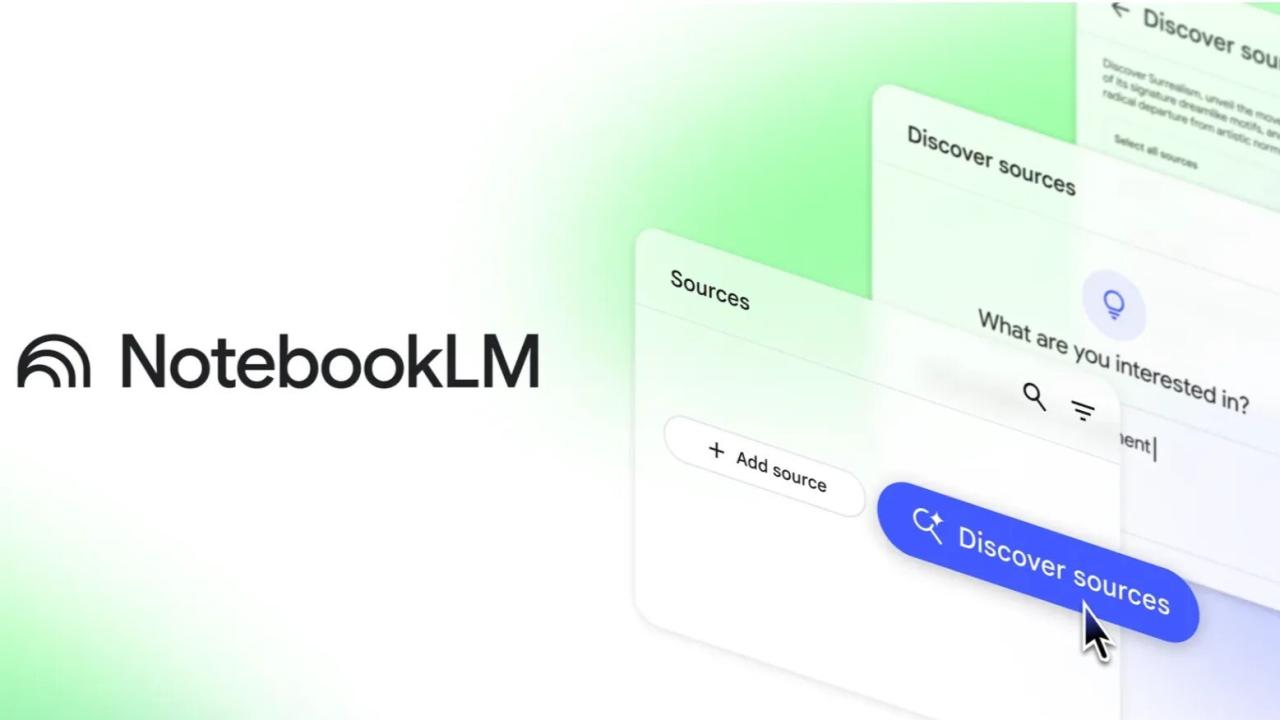
Initially launched as an experiment, NotebookLM has since evolved into a popular solution for efficiently organizing and managing personal content.
NotebookLM integrates with Google Workspace and supports various formats such as Google Docs, PDFs, and YouTube videos. Unlike general AI tools like ChatGPT that draw information from the internet, NotebookLM works exclusively with materials uploaded by the user.
The tool helps summarize key points, find relevant information, and suggest ways to develop ideas. All of this is done quickly, without the need to manually search through documents one by one.
Gamma
Gamma is an AI-powered design partner that makes it easy to create presentations, websites, and social media posts. With Gamma, users can start from an idea, paste an outline, or import existing content.
Featuring more than 20 AI models for generating high-quality images, Gamma helps users create engaging visuals quickly. Users can also import their own brand identity or choose from over 100 available themes, ensuring the final output remains consistent and aligned with their style.
Cursor
Amid the rapid evolution of the software world, Cursor emerges as an AI-powered code editor that can transform the way developers work. It is not just a place to write code, but also helps write, edit, and automatically fix errors.
Cursor combines the familiar interface of traditional code editors with advanced AI technology that understands the project being worked on. As a result, coding becomes faster and more efficient, supported by a “smart assistant” that is always ready to provide solutions.
Uizard
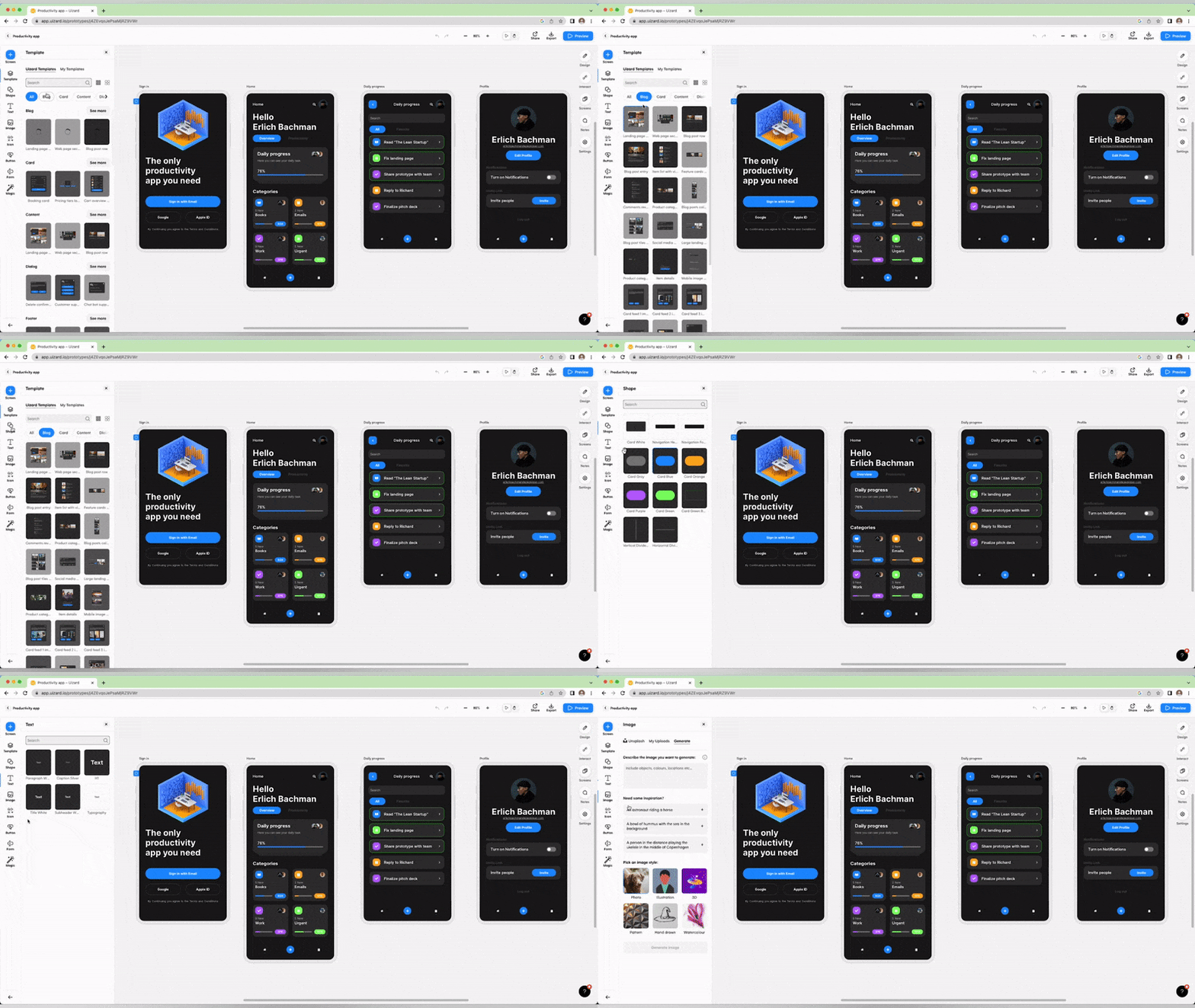
Uizard is an AI-based design tool created to simplify the process of designing digital product interfaces. The platform allows users to create mockups and prototypes using text prompts, hand-drawn sketches, or screenshots.
Uizard features a simple, intuitive interface complete with drag-and-drop functionality, ready-to-use components, and customizable templates. It also includes additional AI capabilities such as automatic theme generation, design system integration, and user focus analysis through heatmaps.
Napkin AI
Napkin AI is an artificial intelligence–based tool that transforms plain text into visual elements such as diagrams and data visualizations. It is especially useful for users who want to quickly convert data into diagrams for presentations.
Simply input text or data, and Napkin AI will automatically generate visuals that can be exported and inserted directly into presentations on Google Slides, Canva, or PowerPoint. The process is fast and practical—perfect for anyone who wants to create more engaging presentation materials without extra hassle.